Introduction
Keeping your smartphone organized is essential for productivity and ease of use. With so many apps installed, proper Android apps arrangement helps you find what you need quickly and improves your overall experience.
In this guide, you’ll learn how to arrange apps on Android, different layout ideas, Samsung-specific settings, and the best tools to organize your apps efficiently.
Why Android Apps Arrangement is Important
A clean and organized home screen saves time and reduces frustration. Proper Android App arrangement allows you to:
- Access apps quickly
- Improve phone performance perception
- Reduce clutter
- Enhance productivity
Whether you’re a casual user or a professional, organizing apps is a simple way to upgrade your daily mobile experience.
How to Arrange Apps on Android (Step-by-Step)
If you’re wondering how to arrange apps in Android, follow these easy steps:
- Tap and hold an app icon
- Drag it to your desired location
- Drop it on the home screen or into a folder
- Repeat for other apps
This is the most basic way to arrange apps on Android, and it works on almost all devices.
Android Arrange Apps Alphabetically
Many users prefer a neat, alphabetical layout. Android arrange apps alphabetically is usually available in the app drawer.
Steps to Arrange Apps Alphabetically on Android:
- Open the app drawer
- Tap the three-dot menu
- Select “Sort” or “Layout”
- Choose alphabetical order
This feature helps you quickly find apps without searching manually.
Arrange Apps Alphabetically on Android Home Screen
While the app drawer supports sorting, arranging apps manually on the home screen is also possible.
To arrange apps alphabetically on Android home screen:
- Create folders labeled A–Z
- Place apps in corresponding folders
- Keep frequently used apps outside folders
This method gives you both structure and flexibility.
How to Rearrange Samsung Phone Apps?
Samsung users often ask, How to rearrange Samsung phone apps?
Steps for Samsung Devices:
- Open the home screen
- Tap and hold an app
- Drag it to a new position
- Use folders for grouping
Samsung’s One UI makes rearranging apps smooth and customizable.
How to Change Samsung App Layout?
If you’re looking for deeper customization, you might wonder, How to change Samsung app layout?
Options Available:
- Grid size (4×4, 5×5, etc.)
- App drawer layout
- Folder styles
Steps:
- Go to Settings
- Tap “Home Screen”
- Adjust layout settings
This helps improve your Android apps arrangement Samsung experience.
Android Apps Arrangement Samsung Tips
Samsung devices offer extra features for better Android apps arrangement Samsung:
- Use Edge Panels for quick access
- Create smart folders
- Enable app suggestions
- Customize icon size
These tools make Samsung phones highly flexible for organization.
Best Android Apps Arrangement Ideas
Looking for inspiration? Here are some practical Android App arrangement Ideas:
1. Category-Based Arrangement
Group apps like:
- Social Media
- Work
- Entertainment
- Finance
2. Frequency-Based Layout
Place most-used apps on the main screen.
3. Minimalist Setup
Keep only essential apps visible and hide the rest.
4. Color-Based Organization
Arrange apps by icon color for a visually pleasing layout.
These ideas help create the Best android apps arrangement for your needs.
Using App Organizer Android Tools
If manual organization feels overwhelming, try an App Organizer Android tool.
Features:
- Auto-categorization
- Smart folders
- Usage tracking
- Custom labels
These apps simplify your Android apps arrangement process.
Android Apps Arrangement APK: Is It Worth It?
Some users search for Android apps arrangement apk files to install third-party organizers.
Pros:
- Advanced customization
- Unique layouts
- Extra features
Cons:
- Security risks
- Compatibility issues
Always download APKs from trusted sources to stay safe.
Android Apps Arrangement Download: Best Tools
If you want to improve your layout, consider an Android apps arrangement download from trusted app stores.
Popular Options:
- Smart launchers
- App organizers
- Minimalist home screen apps
These tools can transform how your phone looks and works.
Best Android Apps Arrangement Apps
Here are some categories of tools for the Best android apps arrangement:
- Launchers (custom layouts)
- Folder organizers
- Icon customization apps
- Productivity tools
These apps help you create a personalized and efficient setup.
App Organizer iPhone vs Android Apps Arrangement
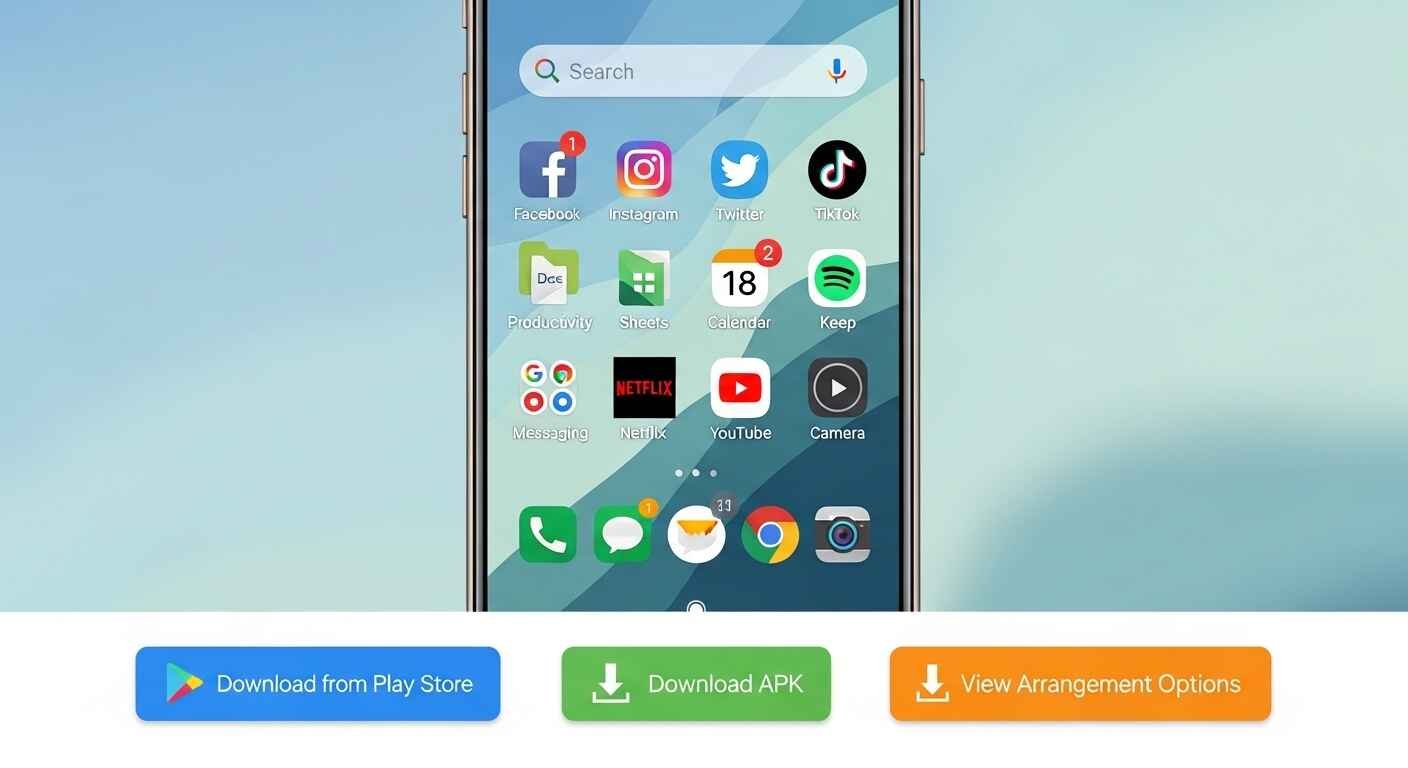
Many users compare App organizer iPhone with Android options.
iPhone:
- Automatic app library
- Limited customization
Android:
- Full control
- Custom layouts
- Third-party tools
Android clearly offers more flexibility for app arrangement.
Common Mistakes in Android App Arrangement
Avoid these mistakes:
- Overcrowding the home screen
- Not using folders
- Ignoring app drawer features
- Poor labeling
Fixing these improves usability instantly.
Tips for Maintaining a Clean App Layout
To keep your phone organized:
- Delete unused apps regularly
- Update your layout monthly
- Use folders wisely
- Keep your home screen simple
Consistency is key to effective Android apps arrangement.
Future Trends in Android App Organization
The future of Android App arrangement is evolving with:
- AI-based app sorting
- Smart suggestions
- Gesture-based navigation
- Personalized layouts
These innovations will make organizing apps even easier.
Conclusion:
Proper Android apps arrangement makes your smartphone faster, cleaner, and easier to use. Whether you prefer arrange apps alphabetically on Android, use folders, or install an App Organizer Android, there are many ways to customize your experience.
Samsung users can take advantage of additional features, while third-party tools offer even more flexibility. Choose the method that fits your lifestyle and keep your phone organized for maximum efficiency.