Introduction
Video editing has become easier and more creative thanks to modern editing tools. One of the most popular tools for content creators today is CapCut.
Many creators use CapCut templates to quickly produce engaging videos for social media platforms like TikTok, Instagram, and YouTube Shorts.
If you are new to this editing feature, you might be wondering how to make a CapCut template or how to use CapCut templates effectively. In this guide, we will explain everything you need to know about creating and using templates in CapCut.
What Is a CapCut Template?
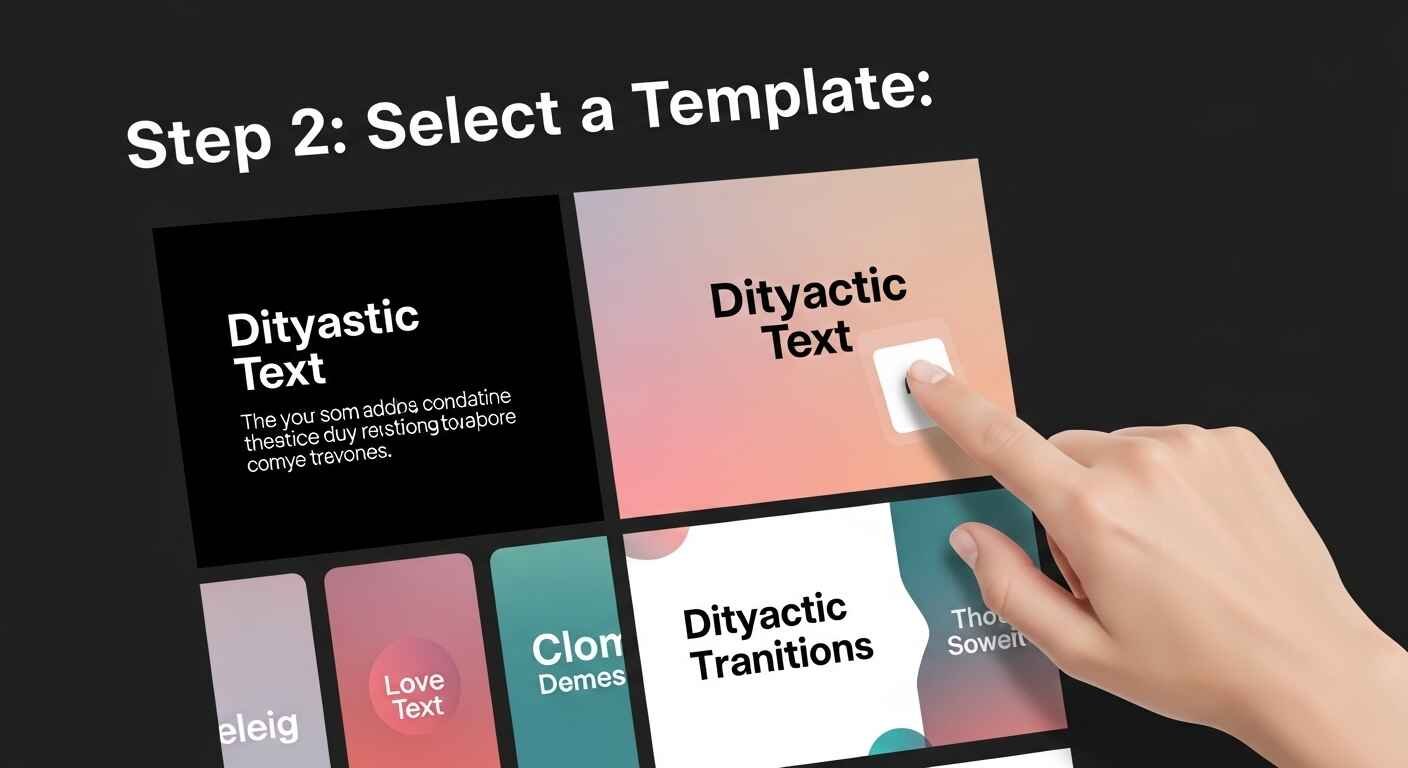
A CapCut template is a pre-designed video editing format that allows users to create professional-looking videos quickly. Templates include effects, transitions, music, and timing that are already set up.
Instead of editing every element manually, users simply add their photos or video clips to the template, and the app automatically applies the effects.
This feature is widely used by content creators because it saves time and produces visually appealing videos without advanced editing skills.
Why CapCut Templates Are Popular
CapCut templates have gained massive popularity among video creators for several reasons.
Easy to Use
One of the main reasons templates are popular is their simplicity. Even beginners can create impressive videos using ready-made designs.
Fast Video Creation
Using a CapCut template allows creators to produce content in minutes instead of spending hours editing.
Perfect for Social Media
Many templates are designed specifically for short-form video platforms, making them ideal for viral content.
Professional Effects
Templates include high-quality transitions, filters, and animations that enhance the visual appeal of videos.
Because of these advantages, many beginners search for how to use CapCut templates to start creating engaging videos.
How to Use CapCut Templates
If you are new to CapCut, learning how to use CapCut templates is very simple. The process usually takes only a few minutes.
Open the CapCut App
First, launch the CapCut application on your smartphone or device.
Browse Available Templates
Navigate to the templates section where you can explore trending and popular designs.
Select a Template
Choose a template that matches the style of the video you want to create.
Upload Your Photos or Videos
After selecting a template, you will be prompted to add your own media files.
Export the Video
Once your media is inserted into the template, CapCut will automatically apply the effects. You can then export the finished video.
Learning how to use CapCut templates can significantly speed up the video creation process.
How to Make a CapCut Template
Many content creators also want to know how to make a CapCut template so they can create unique designs and share them with others.
Here are the basic steps to create your own template.
Step 1: Start a New Project
Open CapCut and create a new editing project. Add video clips or images that will be part of your template.
Step 2: Add Transitions and Effects
Apply transitions, filters, text animations, and effects to create a visually appealing sequence.
Step 3: Synchronize with Music
Many templates are designed to match the rhythm of music. Adjust clip timing so it aligns with the beat.
Step 4: Organize the Timeline
Make sure the timeline is structured in a way that allows other users to easily replace media files.
Step 5: Save as a Template
Once your design is complete, you can save and publish it as a CapCut template.
Learning how to make a CapCut template allows creators to produce original content and build a unique editing style.
Benefits of Creating Your Own CapCut Template
While many people use existing templates, creating your own templates offers several advantages.
Unique Content
Original templates help your videos stand out from others using the same designs.
Faster Editing Workflow
Once you create your own template, you can reuse it for multiple videos.
Brand Consistency
Content creators can maintain a consistent style across all their videos.
Creative Control
When you learn how to make a CapCut template, you gain full control over transitions, timing, and visual effects.
Tips for Designing a Great CapCut Template
Creating a successful template requires creativity and good editing techniques.
Keep the Design Simple
Overloading a template with too many effects can make the video look messy.
Focus on Timing
Proper timing is essential, especially if the template is synchronized with music.
Use High-Quality Effects
Choose effects that enhance the video without distracting viewers.
Make It Easy to Replace Media
When designing a template, ensure that users can easily add their own photos or videos.
These tips can help improve the quality of your CapCut template and make it more popular among creators.
Common Mistakes When Using CapCut Templates
Although templates are easy to use, beginners sometimes make mistakes that reduce video quality.
Using Too Many Templates
Switching between different template styles can make your content inconsistent.
Ignoring Video Quality
Always upload high-resolution photos and videos to maintain quality.
Not Customizing the Template
Even though templates are pre-designed, adding personal touches can improve your final video.
Avoiding these mistakes will help you master how to use CapCut templates effectively.
How CapCut Templates Help Content Creators Grow
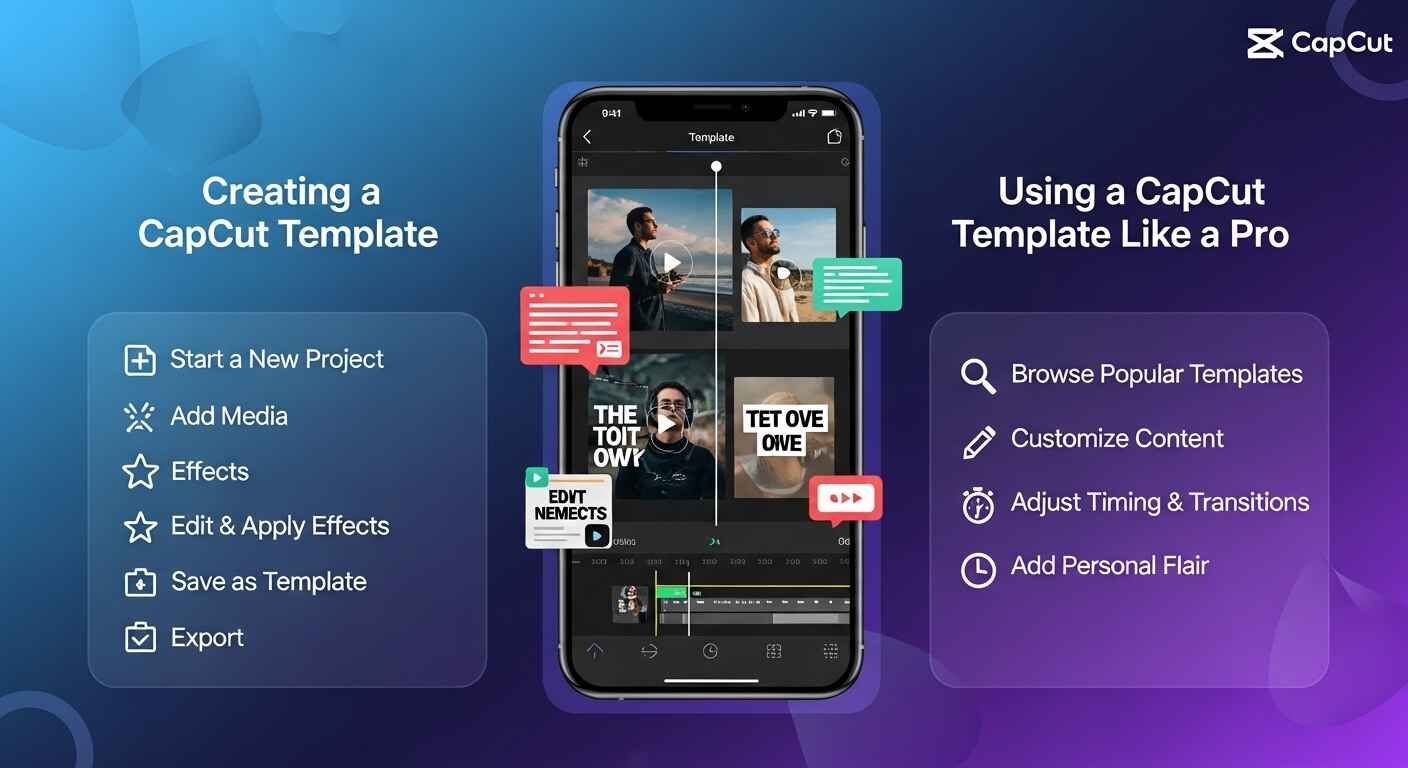
CapCut templates are widely used by influencers, marketers, and social media creators. They help produce eye-catching content quickly, which is essential in today’s fast-paced digital world.
By learning how to make a CapCut template and how to use CapCut templates, creators can:
- Save editing time
- Maintain consistent video quality
- Create engaging social media content
- Increase audience engagement
Templates make video production accessible to everyone, even those with limited editing experience.
Conclusion:
CapCut templates have transformed video editing by making it faster and easier for creators to produce professional-looking content.
Whether you are a beginner or an experienced editor, learning how to use CapCut templates can greatly improve your editing workflow.
At the same time, understanding how to make a CapCut template allows you to develop your own creative style and share unique designs with others.
With practice and experimentation, anyone can master CapCut templates and create engaging videos for social media.